GitHub Marketplace: Social Preview for Your GitHub Actions

You’re finally ready to share your GitHub Action with the world. You’ve spent hours working on it, and now it’s time to show it off. You open your favorite social media platform, start typing your post, link your GitHub Action on the GitHub Marketplace, click on send, and… your big face is on people’s screen!

This is what happened to me when I shared the marketplace link of my GitHub Action named “Update Issue Body”.
The rendering is different, and way better, if you share a link to the GitHub Action repository itself.
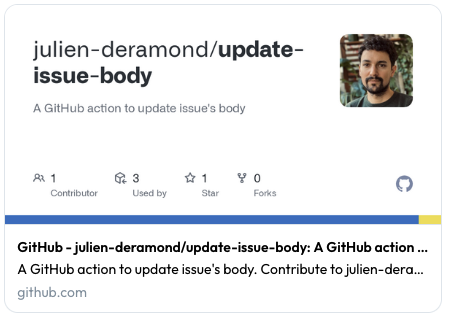
What Can We Do About It?#
You can add a social preview image to your GitHub repository. GitHub uses it when you share the link to your repository on social media platforms. It also uses it when you share the link to your GitHub Action on the GitHub Marketplace!
It’s rather easy, as the GitHub documentation explains everything: Customizing your repository’s social media preview.
At the times of writing, images are recommended to be 1280x640px for best display on high-resolution devices.
While not visible in the documentation itself, GitHub provides in the settings of your repository a template for the social preview image which is pretty handy to get started and to have the safe zones.
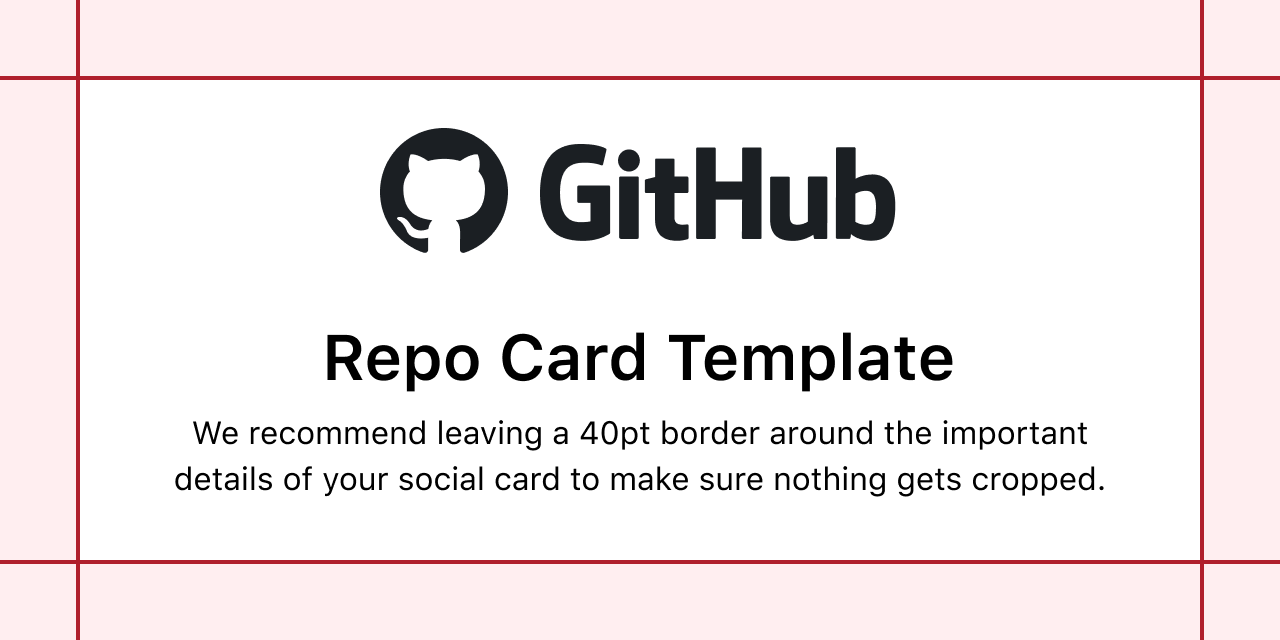
I’m not a designer, so I used the template to create my social preview image with the following rendering:
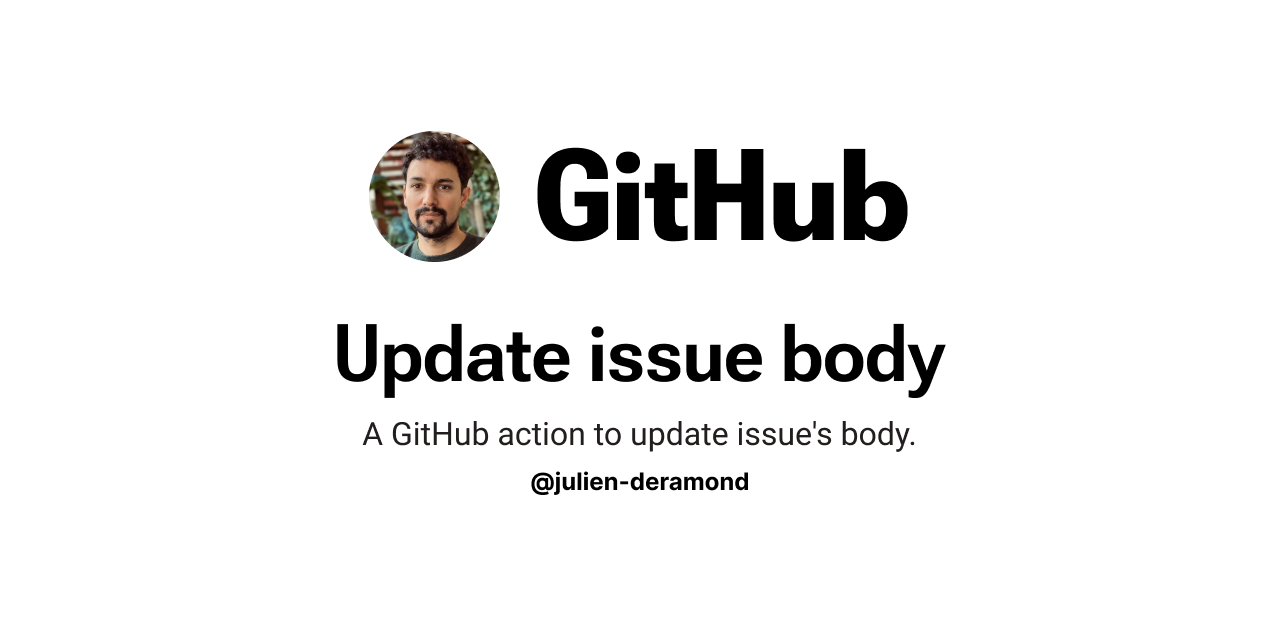
How To Check If It Works?#
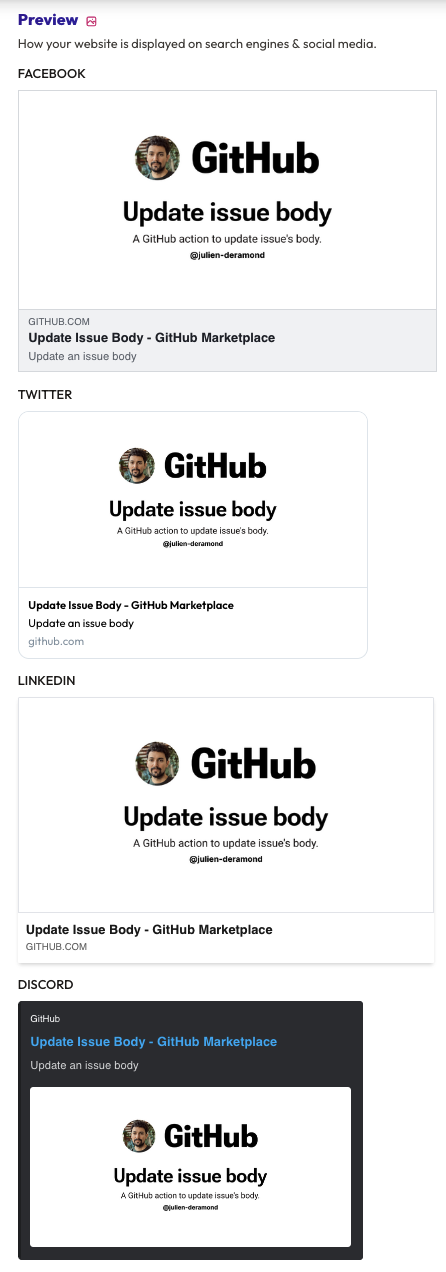
Once you’ve uploaded the image to your repository, check that it works with an online tool like opengraph.xyz.
Whether you use the marketplace link or the repository link, you should see the social preview image.
Find This Template On Figma#
Based on this rendering, I created a reusable Figma template named “GitHub Actions and Repo Social Previews” that you can use to create your own social preview image.